How Does Google Tell if a Photo is Original or Not?
Featured, Search Engine Optimization Feb 28, 2026
Google determines if a photo is original, edited, or AI-generated by analyzing embedded metadata, utilizing advanced watermarking technology, and comparing the image against a vast database of indexed content. Key tools include the “About this image” feature, which shows image history and metadata, and SynthID, which embeds invisible watermarks in AI-generated images.
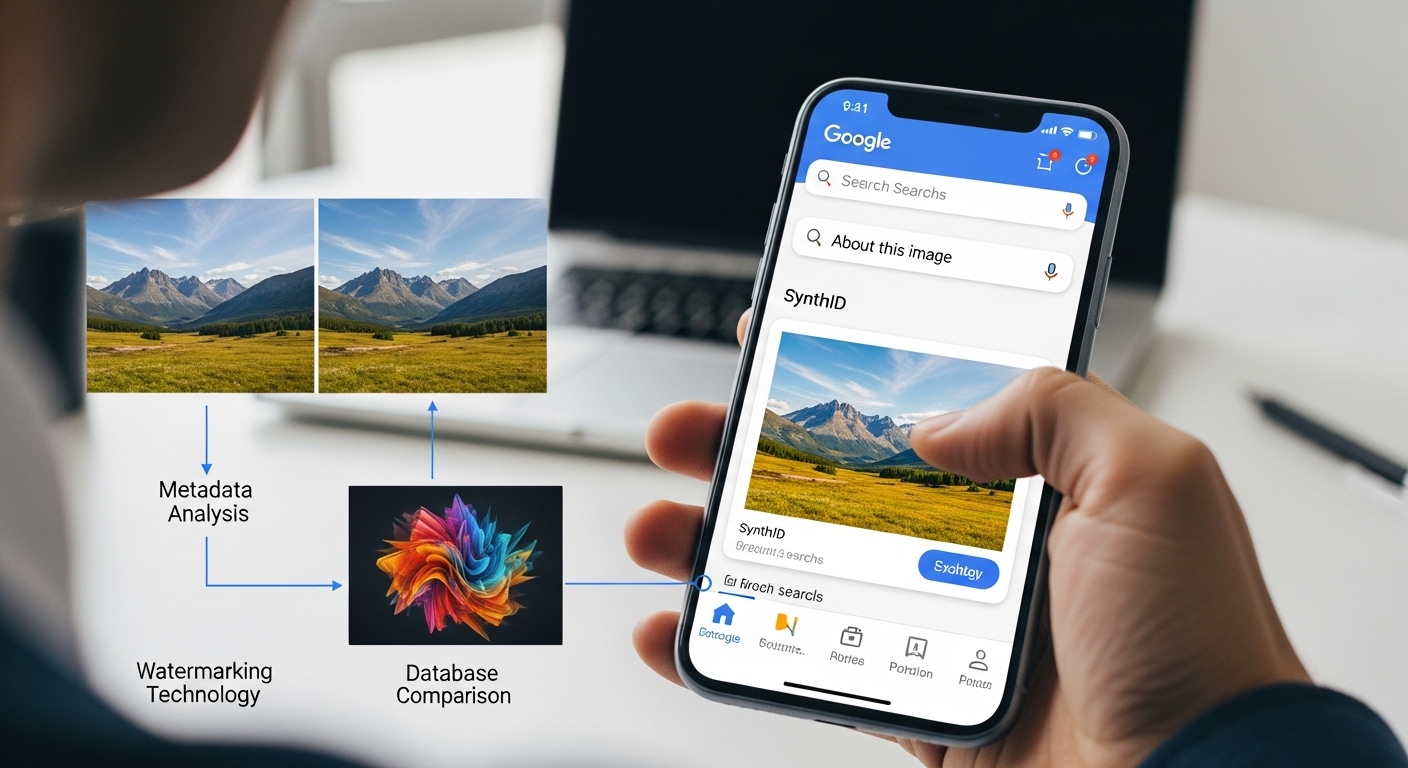
Here is how Google identifies if a photo is original:
1. “About this image” and Metadata Analysis
Google uses this feature (accessible in Search, Lens, and Circle to Search) to provide context, allowing users to check the credibility of an
- Metadata (C2PA Standards): Google partners with the Coalition for Content Provenance and Authenticity (C2PA) to read embedded metadata. This data reveals whether a camera captured an image, whether it was edited by software (like Photoshop), or whether it was created by AI.
- Image History: The tool can determine when an image was first indexed by Google, helping to identify if a photo is being taken out of context or is much older than claimed.
- Editing Logs: If a photo was edited with non-AI tools (e.g., crop, rotate) or AI tools (e.g., Magic Eraser), this information may appear in the “How this was made” section.
2. SynthID (AI-Generated Image Detection)
SynthID embeds a digital watermark directly into the pixels of AI-generated images. Google DeepMind developed this technology.
- Robustness: SynthID is designed to remain detectable even if the image is cropped, resized, color-corrected, or compressed.
- AI Detection: This technology determines the likelihood that Google’s Imagen model generated an image.
- Gemini Integration: Users can upload images to Google Gemini to check if they were created or altered by Google AI.
3. Google Lens and Reverse Image Search
- Using Google Lens, users can upload an image to see its history and usage across the web.
- Original Source: An image that appears on many websites is likely older. An image that appears nowhere else might be original or heavily altered.
- Similar Images: This tool shows similar images, allowing comparison between the original and potentially altered versions.
4. Limitations
- Stripped Metadata: If a user removes the metadata from a photo, the origin may be difficult to identify.
- Non-Compliant AI: If an AI generator does not use C2PA standards or SynthID, the image may not be recognized as AI-generated.Important Note: The “About this image” feature helps identify whether an image is being used out of context, such as an old photo being passed off as a recent event.